
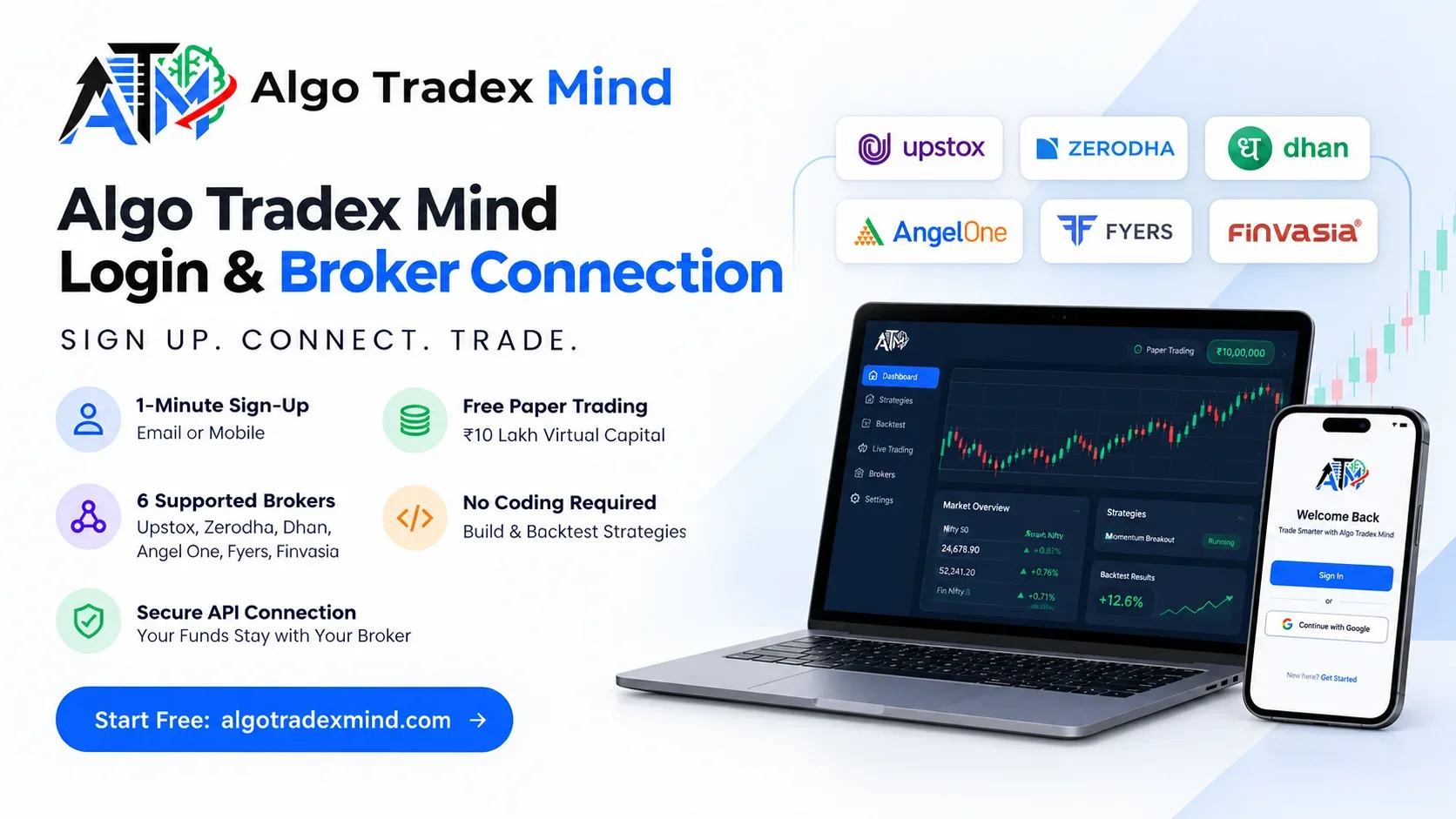
The Algo Tradex Mind login takes under a minute. You sign in with an email address or mobile number, land on a free paper trading account, and connect your broker whenever you feel ready. The platform asks for no KYC documents, because your broker already holds them. Upstox, Zerodha, Dhan, Angel One, Fyers and Finvasia all link through their official APIs, and your money never leaves your own broker account.
What Do You Need Before Getting Started on Algo Tradex Mind?
You need only an email address or a mobile number to open an account. There is no card to add, no document upload and no approval queue. Once you sign up, a paper trading account with a simulated ₹10 lakh book opens straight away. A broker account matters only when you want live trades, and you can link it whenever you feel confident.
Getting started feels refreshingly light compared with opening a new trading account, where forms and verification can stretch over several days. Here is the full checklist:
- An active email address or mobile number that you can access right now
- A laptop, desktop or phone with an up-to-date browser
- A demat and trading account with F&O enabled, only if you plan to trade live
- Your broker's own sign-in details, which you enter on the broker's page and not on ours
How Does the Algo Tradex Mind Login Work?
Visit algotradexmind.com and click Sign in at the top right. Enter your registered email address or mobile number, complete the short verification on screen, and the platform opens your dashboard. First-time users click Get started and follow the same flow. Google sign-in also works if you prefer a single click. The whole process takes under a minute on any device.
Steps to Sign In
- Open algotradexmind.com/login in your browser.
- Type the email address or mobile number you registered with.
- Complete the verification step shown on screen.
- Wait for the dashboard to load with your paper account already active.
Traders who run 09:20 entries usually check in around 09:00, so speed matters. Bookmark the sign-in page and keep your Algo Tradex Mind login one tap away on your phone as well as your laptop. That small habit saves a frantic search when the market is about to open.
Does Algo Tradex Mind Ask for KYC Documents?
No. The platform does not collect PAN, Aadhaar, bank statements or photographs. It works as a software tool rather than a broker, so it never holds client money and has no reason to run KYC. Your broker already verified you when you opened your trading account. Every live order goes to that verified account, and the broker's existing checks continue to apply.
This design removes one of the most tiresome parts of trying a new tool. You do not wait for approval emails, and you do not upload blurry scans of documents.
What You Skip and What Still Applies
- You skip document uploads, video verification and approval waiting times.
- You skip sharing bank details, since plan payments go through a secure payment gateway.
- Your broker's KYC still applies, and you completed it when you opened your account.
- F&O activation with your broker is still required before any live options trade.
Also Read : Is Algo Trading Profitable?
How Do I Connect My Broker API to Algo Tradex Mind?
Open the Brokers section from your dashboard, choose your broker and click Connect. The broker's official sign-in page opens, you log in there, and the broker issues a secure session token to the platform. For OAuth brokers such as Dhan, this takes about 30 seconds. You never type your broker password into the platform itself, so your credentials stay with the broker.
Broker Connection Steps
- Sign in and open the Brokers section on the dashboard.
- Select your broker from the list of six supported names.
- Click Connect to open the broker's official page.
- Finish your broker login there, and enter a TOTP code if your broker asks for one.
- Return to the dashboard and confirm that the status shows Connected.
Once you connect broker API access, the platform can place, manage and square off orders in your account according to your rules. Nothing goes live until you switch a strategy to live mode yourself.
Which Brokers Can I Use With Algo Tradex Mind?
You can use six Indian brokers: Upstox, Zerodha, Dhan, Angel One, Fyers and Finvasia. Each one connects through its own official trading API, with no screen scraping and no shared passwords. The sign-in method varies slightly, since Dhan uses OAuth, Angel One uses a TOTP code and Upstox renews its session each morning. A built-in paper account sits alongside all six.
| Broker | How It Connects | Fresh Sign-in Each Trading Day? |
|---|---|---|
| Upstox | Official API sign-in | No, the session renews each morning |
| Zerodha | Official API sign-in | Yes, under exchange rules |
| Dhan | OAuth, about 30 seconds | Yes, under exchange rules |
| Angel One | TOTP code, about 30 seconds | The dashboard flags when renewal is due |
| Fyers | Official API sign-in | The dashboard flags when renewal is due |
| Finvasia | Official API sign-in | The dashboard flags when renewal is due |
| Paper account | Built in from day one | No, it is always available |
If your broker is not on this list yet, you can still build, backtest and paper trade every strategy while you open an account with a supported broker.
Why Do Zerodha and Dhan Need a Daily Login?
Exchange rules require some brokers, including Zerodha and Dhan, to expire API sessions at the end of each trading day. As a result, you must complete a fresh daily login with the broker every morning before live orders can flow. The dashboard marks which accounts need renewal and sends a reminder before the market opens, so an expired session rarely catches you off guard.
Few things sting more than watching a planned 09:20 entry slip past because a token lapsed overnight. A simple morning routine prevents it:
- Renew the broker session between 08:45 and 09:10 on every trading day.
- Check that the status reads Connected before your first scheduled entry.
- Treat the pre-market reminder as part of your trading checklist rather than an optional alert.
- Keep your authenticator app on the same phone that receives the reminder.
What Can I See on the Platform Dashboard?
The dashboard acts as your control room after you sign in. It lists broker connections and their status, active strategies on paper or live, open positions and the day's profit and loss. It also records every decision the engine makes, so you can read why an entry fired, why a stop moved or why an order was refused. A stop button ends any strategy whenever you choose.
Key Sections of the Dashboard
- Broker status shows connected accounts and any session that needs renewal.
- Strategies lists every strategy with its mode, either paper or live.
- The run log explains each entry, exit, stop adjustment and refused order in plain terms.
- Risk limits display blocked margin, the daily loss cap and the square-off time.
- The stop control ends a running strategy from your laptop or phone and closes its open positions at market.
Because the platform dashboard writes down the reason behind each action, you spend less time guessing and more time improving your rules. Many traders glance at it once after the open and again near the close, then leave the engine alone in between.
Can I Paper Trade for Free Before Going Live?
Yes. Every account includes a free paper account with a simulated ₹10 lakh book, real lot sizes and real margin rules. Strategies on paper run through the same engine and the same risk checks as live trades, so the results reflect how your rules actually behave. Most traders keep a strategy on paper for a few weeks before they connect a broker and switch it to live.
- Test entries and exits on real market sessions without risking capital.
- See how margin requirements affect position size with realistic lot sizes.
- Spot rule mistakes, such as a stop placed too tight, before they cost money.
- Rebuild confidence gradually, which matters after a run of manual losses.
Paper trading on Algo Tradex Mind carries no time limit, so you decide when a strategy has earned a live slot.
How Do I Build and Backtest a Strategy Without Coding?
Open the strategy builder, choose time-based or indicator-based mode and set your rules from drop-down menus. Pick the underlying, the legs, the entry time, stop-loss, target and square-off time. Then run a backtest on 1-minute historical data. The report shows an equity curve, drawdown, a per-trade log and charges, all produced by the same engine that runs live trades.
Time-Based Builder
This mode suits traders who run straddles, strangles and iron condors at a fixed clock time. A 09:20 entry fires on the first tick at or after 09:20:00, not at the close of a five-minute candle. You can add per-leg stops, targets, trailing stops, Wait and Trade conditions and re-execute rules.
Indicator-Based Builder
This mode lets you pair long and short conditions using EMA, SMA, RSI, VWAP, Supertrend, MACD or Bollinger Bands. The engine checks rules on closed candles, so a backtest and a live run read the same signal. Signal-candle confirmation on a high or low break is available as an option.
What the Backtest Report Shows
- The equity curve and maximum drawdown across the tested period
- A trade-by-trade log with entry, exit and the reason for each
- Brokerage and charges included in the final figures
- The assumptions behind the test, stated clearly
Past results do not guarantee future returns. Even so, a clean backtest followed by steady paper results gives you a far more grounded view than a hunch.
What Plans and Pricing Does Algo Tradex Mind Offer?
Algo Tradex Mind offers three simple packages: Free, Limited and Unlimited. The Free plan covers strategy building, backtests and paper trading at no cost. Limited and Unlimited add live deployments and higher limits on strategies and backtests. You can pay monthly, quarterly or yearly, and longer periods cost less per month. Payments run through Cashfree using UPI, cards or net banking.
Prices at checkout include any running offer or coupon, so confirm the current rate on the pricing page before you pay. A plan activates the moment payment is confirmed. Brokerage, exchange fees and taxes stay with your broker, because the subscription covers only the software.
- Choose Free if you want to learn the builder and test ideas on paper.
- Choose Limited if one or a few strategies are ready for live trading.
- Choose Unlimited if you run several strategies together in portfolio mode.
Is My Money Safe When I Connect My Broker?
Your money stays in your own broker account at all times. The platform never holds client funds and cannot withdraw anything from your account. Orders travel from its servers straight to your broker's API, margin gets blocked with the broker and contract notes come from the broker as usual. Broker tokens are encrypted at rest and are never sent to your browser.
Safety also means control over risk. Every order, paper or live, passes these checks before the broker sees it:
- Margin compared against available funds
- Maximum loss per day
- Maximum number of trades
- A market-hours guard
- A platform-wide kill switch
The engine also recovers open positions after a server restart and refuses duplicate orders, and every recovery step appears on the platform dashboard. Strategies run on servers, so your laptop can stay closed once you connect broker API access and switch a strategy on. Options trading still carries a real risk of loss, and no tool removes that risk.
What Should I Do If My Login or Broker Connection Fails?
Start with simple checks. Confirm that you typed the registered email address or mobile number correctly, then refresh the page or clear your browser cache if it hangs. For broker errors, check whether your daily login has lapsed and reconnect from the dashboard. If the issue continues, contact the help desk or email support@algotradexmind.com.
- Wrong TOTP code: wait for a fresh code and repeat the broker login.
- Status shows Expired: renew the session from the Brokers section.
- Order refused: open the run log to see which risk check stopped it.
- Sign-in screen stuck: try another browser or switch off extensions that block scripts.
A real person reads every support message and usually replies on the same working day.
What Is the Smartest Way to Start This Week?
Sign up today, build one simple time-based strategy and let it run on paper for at least two weeks. Compare those paper results with your backtest, and connect a broker only when both tell the same story. Getting started this way costs nothing, protects your capital and turns a loose trading idea into a set of rules you can trust.
Frequently asked questions
Is algo trading legal in India?
Yes. Retail algorithmic trading through a broker's official API is permitted in India. Brokers and exchanges set the rules for placing API orders, and the platform follows them. It connects only through approved broker APIs, never through shared passwords or screen scraping.
Do I need to keep my laptop on while a strategy runs?
No. Strategies run on the platform's servers rather than on your device. The engine enters trades, manages every leg and squares off at your chosen time even when your laptop is closed, and you can stop any strategy from your phone.
Does the platform recommend trades or give tips?
No. It is a software tool that runs the rules you write. It does not recommend trades, manage money or promise returns, and it is not a SEBI-registered investment adviser. Every decision about what to trade and how much stays with you.
What happens if the server restarts during market hours?
The engine recovers open positions automatically after a restart. It squares off orphaned positions and refuses duplicate orders by design, so a restart does not leave stray trades in your account. Each recovery step is recorded in the run log for later review.
How long does it take to set up a first strategy?
Most people build and backtest a first strategy within an afternoon. Signing up takes about a minute, and the builder uses menus instead of code. Running that strategy on paper for a few weeks before moving to live trading is a sensible next step.